
There’s a moment every young creator knows.
You post a video, wait, refresh.
3 views. you, your cousin, One is… probably a bot from nowhere.
And then you see that video.
Bad lighting. Shaky phone. Zero cinematic effort.
2.3 million views.
What changed?
Nine times out of ten: editing.
And more specifically: CapCut AI.
CapCut quietly became the editing brain behind TikTok and Reels culture. Not Adobe. Not Final Cut. CapCut. The app that lives on your phone, judges your clips silently, and—when used right—turns average videos into “how did this blow up?” moments.
Let’s break it down. No hype. No corporate tone. Just the real AI tools inside CapCut that youths are actually using to go viral—and how to use them step by step.
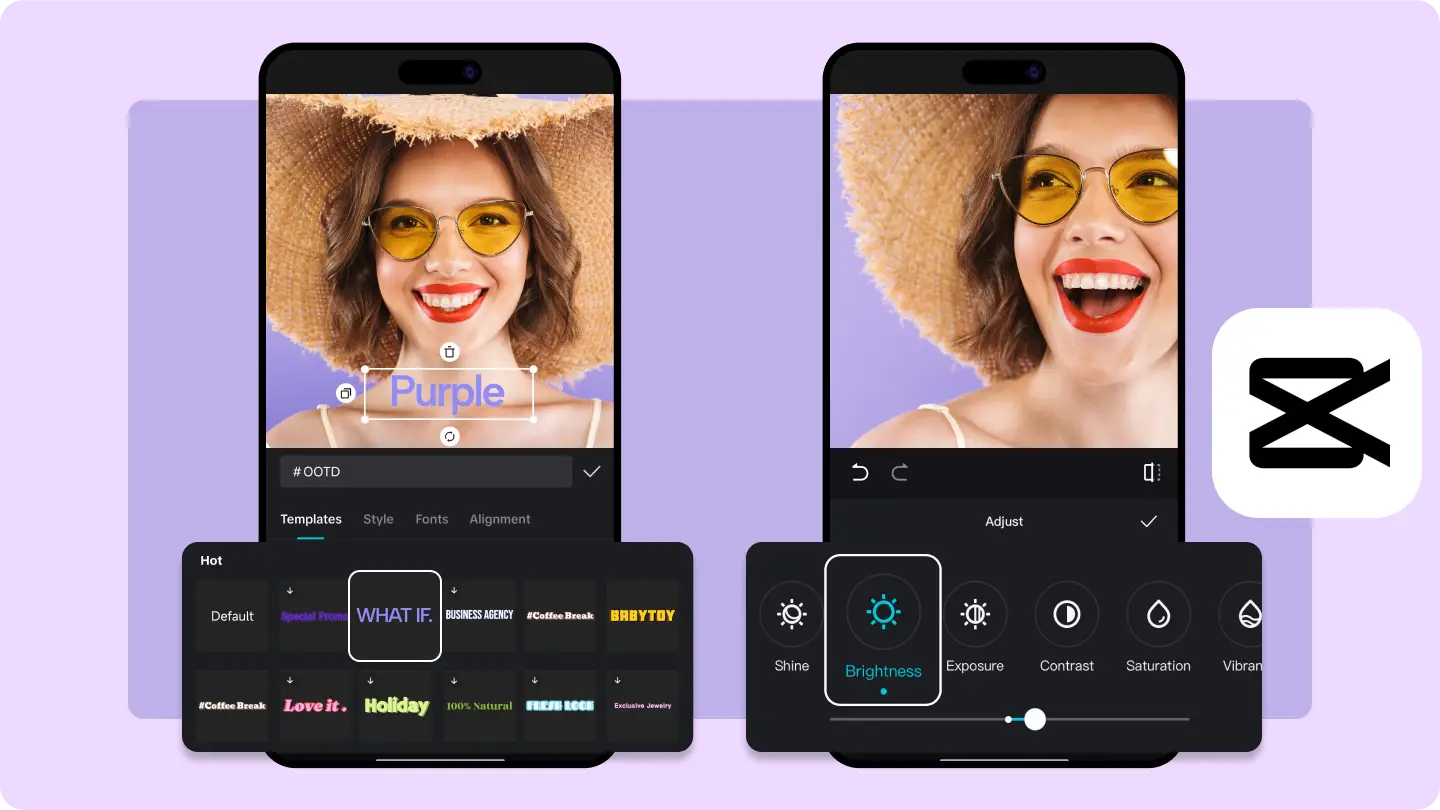
Why Youths Chose CapCut (And Didn’t Look Back)
First, context.
Young creators don’t want:
- long tutorials
- expensive software
- “professional workflows”
They want:
- fast results
- phone-first tools
- trends baked in
- AI that does the thinking
CapCut checks all those boxes.
It’s free (mostly), built for vertical video, and deeply connected to TikTok culture. But the real secret? Its AI tools do 70% of the work for you if you let them.
Let’s talk about those tools.
1. CapCut Auto Captions (The Silent Viral Engine)
If you learn one thing from this article, let it be this:
Videos without captions die silently.
Youth attention spans are short. Sound is often off. Auto captions aren’t optional anymore—they’re oxygen.
What CapCut Auto Captions Do
- Automatically transcribes speech
- Syncs text perfectly to audio
- Lets you style captions like viral creators
- Detects pauses and emphasis
How Youths Use It (Step by Step)
- Open CapCut
- New Project → Add your video
- Tap Text → Auto Captions
- Choose language → Generate
That’s it. CapCut does the rest.
Now the important part: styling.
Most viral youths:
- Use bold fonts
- High-contrast colors (white + black shadow)
- Animate captions word-by-word
Viral Caption Style Tip
Don’t caption full sentences.
Break them.
Bad:
I quit my job to start content creation
Good:
I quit my job
to start content creation

2. CapCut AI Templates (Trend Hijacking, Done Right)
Templates are controversial. Some creators think they’re “lazy.”
Those creators usually don’t go viral.
CapCut AI templates are trend engines. They’re built from videos that already performed well—and the AI adapts your clips to match the rhythm, cuts, and vibe.
Why Youths Love Templates
- Zero editing skills required
- Music + transitions already optimized
- Perfect for Reels & TikTok formats
How to Use Templates Properly
- Open CapCut
- Tap Templates
- Sort by “Trending”
- Pick one that matches your niche
- Add your clips
- Export → Post
But here’s the non-obvious trick:
Don’t copy trends exactly.
Change the context, not the structure.
Same template. Different story.
That’s how you stand out inside a trend.

3. Background Removal (No Green Screen, No Problem)
This one feels like magic the first time.
CapCut’s AI background remover lets youths:
- Remove messy rooms
- Add clean backgrounds
- Create floating talking-head videos
- Mimic high-end studio edits
All without a green screen.
How Youths Use Background Removal
- Add your clip
- Tap Remove Background
- Let AI process
- Replace background or leave transparent
This is HUGE for:
- Educational TikToks
- Reaction videos
- Commentary content
- Face-over-B-roll videos
Viral Use Case
Many youths record a simple selfie video, remove the background, and place themselves over:
- screenshots
- tweets
- gameplay
- stock footage
Instant depth. Instant professionalism.
Here’s the Guide: How Youths Use Background Removal
4. CapCut AI Effects (The “Hook in 3 Seconds” Tool)
Hooks decide everything.
CapCut AI effects are designed to force attention in the first 1–3 seconds—the most brutal zone on TikTok.
Popular AI-driven effects youths use:
- Motion blur zooms
- Face tracking effects
- Light leaks
- Shake + flash combos
How Youths Use AI Effects Strategically
They don’t spam effects.
They place them only at the hook.
Example:
- First 2 seconds → intense effect
- Rest of video → calm, readable
This contrast keeps viewers watching.
Step-by-Step
- Select clip
- Tap Effects
- Choose trending AI effect
- Apply to first 1–2 seconds only

5. AI Beat Sync (Music That Cuts Perfectly)
Ever notice how viral videos cut exactly on beat drops?
That’s not talent.
That’s AI Beat Sync.
CapCut analyzes the music and automatically aligns clips with beats.
How Youths Use Beat Sync
- Add music
- Select all clips
- Tap Beat Sync
- Choose “Auto”
Boom. Cinematic rhythm.
This tool alone has saved thousands of hours—and probably created thousands of viral edits by accident.
6. AI Voice & Text-to-Speech (For Camera-Shy Youths)
Not everyone wants to show their face. CapCut gets that.
Its AI voices are used heavily for:
- Storytime TikToks
- Reddit-style videos
- Explainer reels
- Faceless content
How Youths Use AI Voice
- Add text
- Text → Text-to-Speech
- Choose voice
- Adjust speed & tone
Pro tip:
Slightly speed up the voice (1.05x–1.1x).
Sounds more natural. Less robotic.

7. Smart Crop & Auto Resize (Cross-Platform Cheat Code)
One video. Multiple platforms.
CapCut AI auto-resize:
- Keeps faces centered
- Adjusts framing automatically
- Optimizes for TikTok, Reels, Shorts
Youths love this because:
- No re-editing
- Same content everywhere
- Faster growth across platforms
Best Prompts & Content Ideas Youths Pair With CapCut
CapCut is the tool.
The idea still matters.
Here are content angles youths pair with CapCut AI:
- “Things I wish I knew before ___”
- “POV: You finally realize ___”
- “Nobody tells you this about ___”
- “I tried ___ for 7 days”
- “Stop scrolling if ___”
Pair these hooks with:
- Auto captions
- Beat sync
- Subtle AI effects
That’s the formula.
Common Mistakes Youths Make (And Why Videos Flop)
Let’s be honest.
Most people:
- Overuse effects
- Copy trends blindly
- Ignore captions
- Make videos too long
- Start slow
CapCut won’t save bad pacing.
Rule of thumb:
If the first 3 seconds aren’t interesting, the rest doesn’t matter.
Final Thoughts (The Uncomfortable Truth)
CapCut didn’t make youths lazy.
It made execution cheap.
The playing field is flatter now. Anyone can edit. Anyone can publish. The difference isn’t tools—it’s clarity.
If you:
- know your message
- respect attention spans
- let AI handle the boring parts
CapCut becomes more than an app.
It becomes a multiplier.
And yeah—virality is still unpredictable.
But with the right CapCut AI tools?
You’re not guessing anymore.
You’re playing the odds properly.